> For the complete documentation index, see [llms.txt](https://docs.milientsoftware.com/help/llms.txt). Markdown versions of documentation pages are available by appending `.md` to page URLs; this page is available as [Markdown](https://docs.milientsoftware.com/help/setup/travel-and-expense/t-and-e-configuration.md).
# T\&E configuration
To configure the various expense types navigate to the travel and expense configuration found under Setup and Travel & Expense.
Below are the most used expense types described on how to configure, to see more specific as to what values to use, find the correct year in the menu under Expense types.
## Expense types
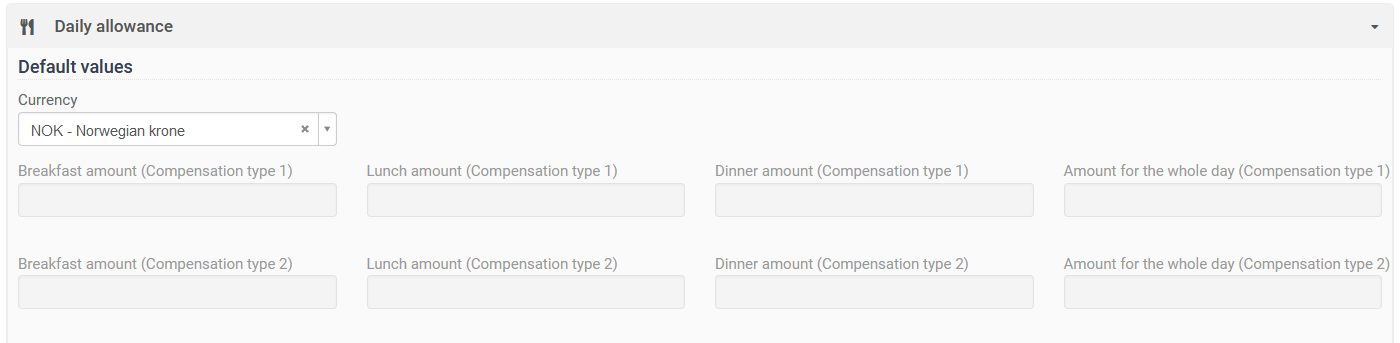
### Daily allowance
The daily allowance section consists of fields to be used for each type of meal/compensation. These are activated/shown by select what should be available in the "Configuration" section, and the "Supported fields" box. Select those needed for the expense type.

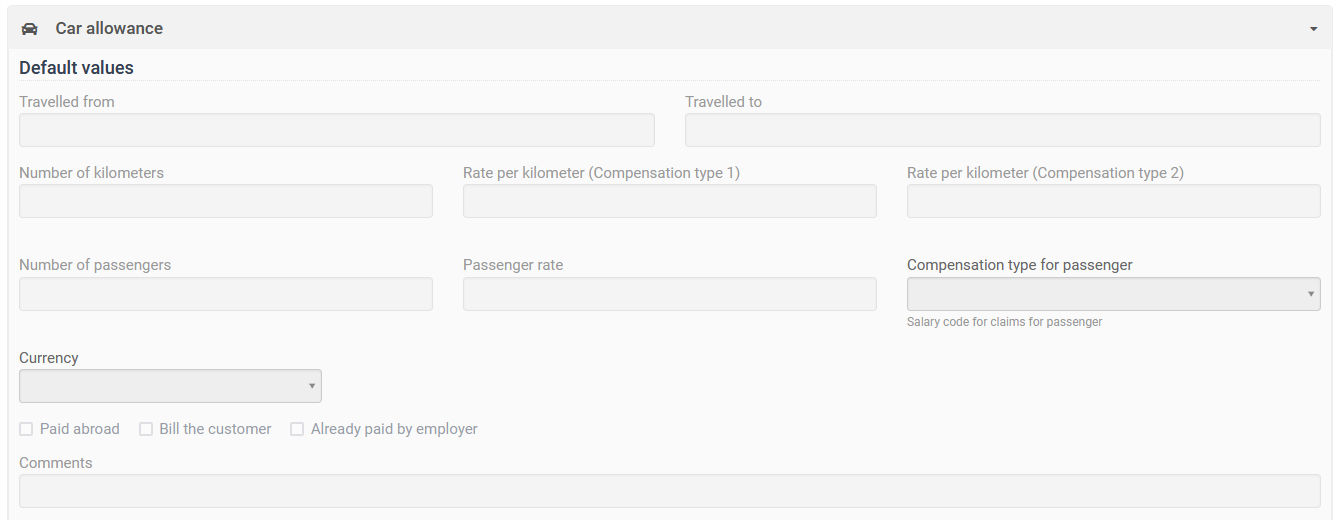
### Car allowance
The car allowance section contains the fields used when filling out the travel taken place. In addition there are fields to be used to register rates to be used.